

Jazzycat App
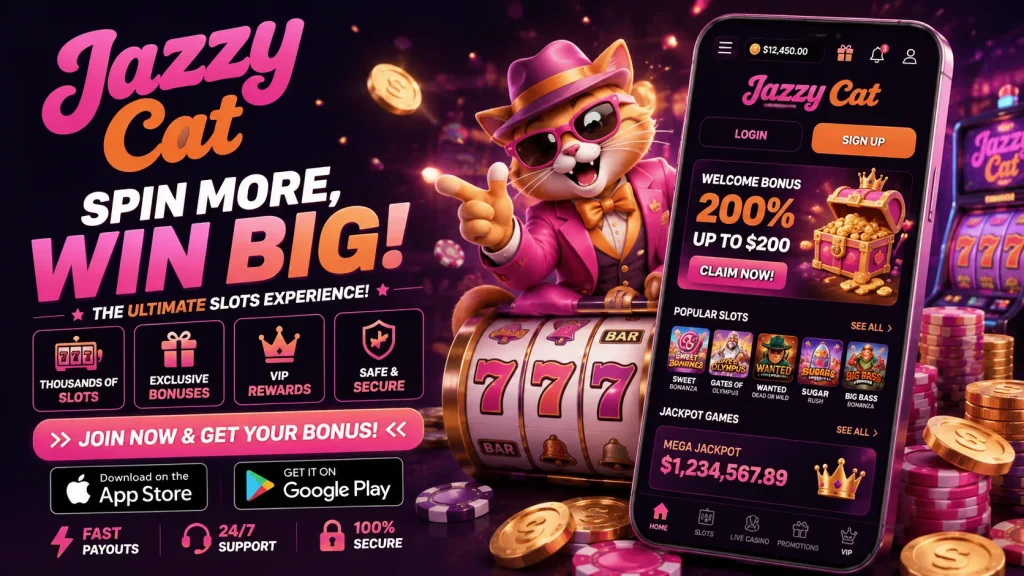
If you’re weighing up whether to download the Jazzycat app or simply carry on playing through your phone’s browser, you’re asking the right question. Both routes lead to the same Jazzycat platform, the same games, and the same licensed environment — but the day-to-day experience differs more than you might expect. Below, we break down exactly where the Jazzycat app pulls ahead, where the browser holds its own, and how to decide which fits your habits as a UK player.
Why We Built a Dedicated App
We didn’t build the Jazzycat app just to tick a box. Mobile play now accounts for the vast majority of sessions, and a native app lets us shave seconds off every interaction — loading the lobby, switching games, topping up your balance. The Jazzycat mobile app installs directly onto your home screen, so there’s no typing web addresses, no hunting through browser tabs, and no re-entering your password every session if you’ve got biometric login switched on.
Push notifications are another genuine advantage. Instead of checking your email or logging in speculatively to see what’s new, the app can alert you directly to mobile-exclusive promotions or reload offers. It’s a small thing, but over weeks of use it adds up to a noticeably smoother relationship with the platform.
App vs Browser: A Direct Comparison
Rather than tell you the app is better in the abstract, here’s how the two options stack up against each other on the factors that actually affect your sessions.
| Factor | Jazzycat App | Browser / Web App |
|---|---|---|
| Login | Face ID / fingerprint, one tap | Manual username and password each time |
| Load speed | Instant lobby, cached assets | Depends on connection, reloads each visit |
| Notifications | Push alerts for promos and offers | None, unless you check email |
| Access | Home screen icon, one tap | Retype URL or dig through bookmarks |
| Stability | More resilient on patchy connections | Can drop or refresh mid-session |
| Storage | Small install size, no per-game downloads | None required |
| Game catalogue | Full range, identical to desktop | Full range, identical to app |
The pattern is clear: the browser is perfectly functional, but the app removes friction at almost every step. For anyone playing more than occasionally, that friction reduction is the whole argument.
The HTML5 Engine Behind Both
Here’s the honest technical context. Both the Jazzycat app and the browser version run on HTML5, which is why you never need to download individual games. This is genuinely good news for players — HTML5 gives you near-native graphics performance, consistent behaviour whether you’re on a Samsung, iPhone, or tablet, and far lighter data and battery use than the old downloadable client model. It’s instant-play by design.
So why does the app still feel faster if the underlying engine is the same? Because the app wraps that HTML5 experience in a native shell — caching assets locally, skipping browser overhead, and integrating with your phone’s biometric and notification systems. Same games, same fairness, same graphics quality, but a noticeably snappier wrapper around it.
Games: Full Catalogue, Not a Cut-Down Version
A common worry with casino apps is that mobile gets a “lite” version of the site. That’s not the case with Jazzycat mobile. Slots, table games, live dealer tables, and jackpot titles are all present, with the same search and filter tools you’d use on desktop — by provider, volatility, or game type. If a title runs in your browser, it runs in the app, and vice versa. We don’t maintain two separate libraries; the same HTML5 content simply gets delivered through whichever interface you prefer.
Installing on iOS and Android
For Android, we provide the Jazzycat app as a direct APK download from our own site rather than Google Play, since Play Store policy restricts real-money gambling apps across much of the UK and Europe. You’ll need to allow installation from unknown sources in your phone settings — a standard one-time step, not a sign of anything untoward. For iOS, Apple’s App Store has similar restrictions, so we offer a home-screen web app: open Jazzycat in Safari, tap Share, then “Add to Home Screen,” and you get an app-like icon and near-identical performance without needing App Store approval.
System requirements are modest — most Android devices from the last five years and iOS 13 or later run the app smoothly. If installation stalls, check you’ve got enough storage, a stable connection, and that unknown sources are enabled; most failed installs come down to one of those three.
Payments: Where the App Has the Edge
Deposits are where the Jazzycat app’s convenience really shows. Saved payment methods mean one-tap top-ups rather than re-entering card details, and mobile-native options popular with UK players — including Apple Pay and bank transfer apps — integrate more smoothly within the app environment than through a mobile browser checkout. Withdrawals run through the same verification and processing pipeline regardless of whether you request them via app or browser; we won’t claim instant payouts, as timing depends on your payment provider and standard verification checks, but the request process itself is quicker to initiate from the app thanks to saved details and one-tap navigation to your cashier.
Trust, Bonuses, and Support
Security doesn’t change depending on which version you use. Licensing, SSL encryption, independently tested RNG fairness, and responsible gambling tools — deposit limits, self-exclusion, reality checks — apply equally across the Jazzycat app and browser. What differs is accessibility: 24/7 support is a tap away in the app’s menu, whereas browser users typically need to navigate to a help page first.
We also run app-specific promotions from time to time, exclusive to mobile users, with wagering requirements and terms displayed transparently in the promotions tab before you opt in. It’s one more practical reason to make the switch, alongside the everyday speed and convenience gains.
Troubleshooting Common Issues
If the Jazzycat app won’t install, double-check unknown sources permissions and available storage first. Login problems are usually solved by resetting your password via the same email used to register, or disabling and re-enabling biometric login in your device settings. Slow loading is more often a connection issue than an app fault — switching from mobile data to Wi-Fi, or vice versa, resolves most cases. If problems persist, our support team can talk you through device-specific fixes.
Ultimately, the browser remains a solid fallback, particularly for iOS players using the home-screen web app. But for regular UK players, the Jazzycat app’s speed, one-tap login, and mobile-native payment handling make it the clearly stronger day-to-day choice.